
Download Lecture Notes APK – lecture notes, audio recording, smartphone tool, university student software
Overview
Lecture Notes is a mobile software application designed to support users in capturing and organizing information in real-time. The primary purpose of the software is to assist individuals in recording both audio and written notes during lectures, meetings, or any scenario requiring immediate documentation. It is particularly tailored for university students who need to keep track of academic content but is also suitable for professionals and lifelong learners who require a reliable way to preserve spoken or written information on the go.
The application operates on smartphones and leverages touchscreen functionality to enhance input flexibility. Users can record audio snippets and type notes directly on the screen using finger tracing, making it ideal for use in environments where traditional keyboards are impractical. All recorded content is stored within the device’s operating system, ensuring quick access and straightforward file management.
The developer did not provide additional details about the organization behind the software. Real-world usage scenarios include classroom note-taking, conference summaries, research data logging, and personal information capture during travel. The app supports saving files under custom titles, allowing for efficient retrieval and organization.
While it lacks SD card recording capability, its integration with the device’s native file system enables seamless access and sharing of notes.
Key Features & Capabilities
- Real-time Audio Recording – Users can capture spoken content as audio files during lectures or meetings, preserving exact verbal information for later review.
- Touchscreen Text Input – A finger-tracing interface allows users to enter written notes directly on the screen, offering a hands-free alternative to physical keyboards.
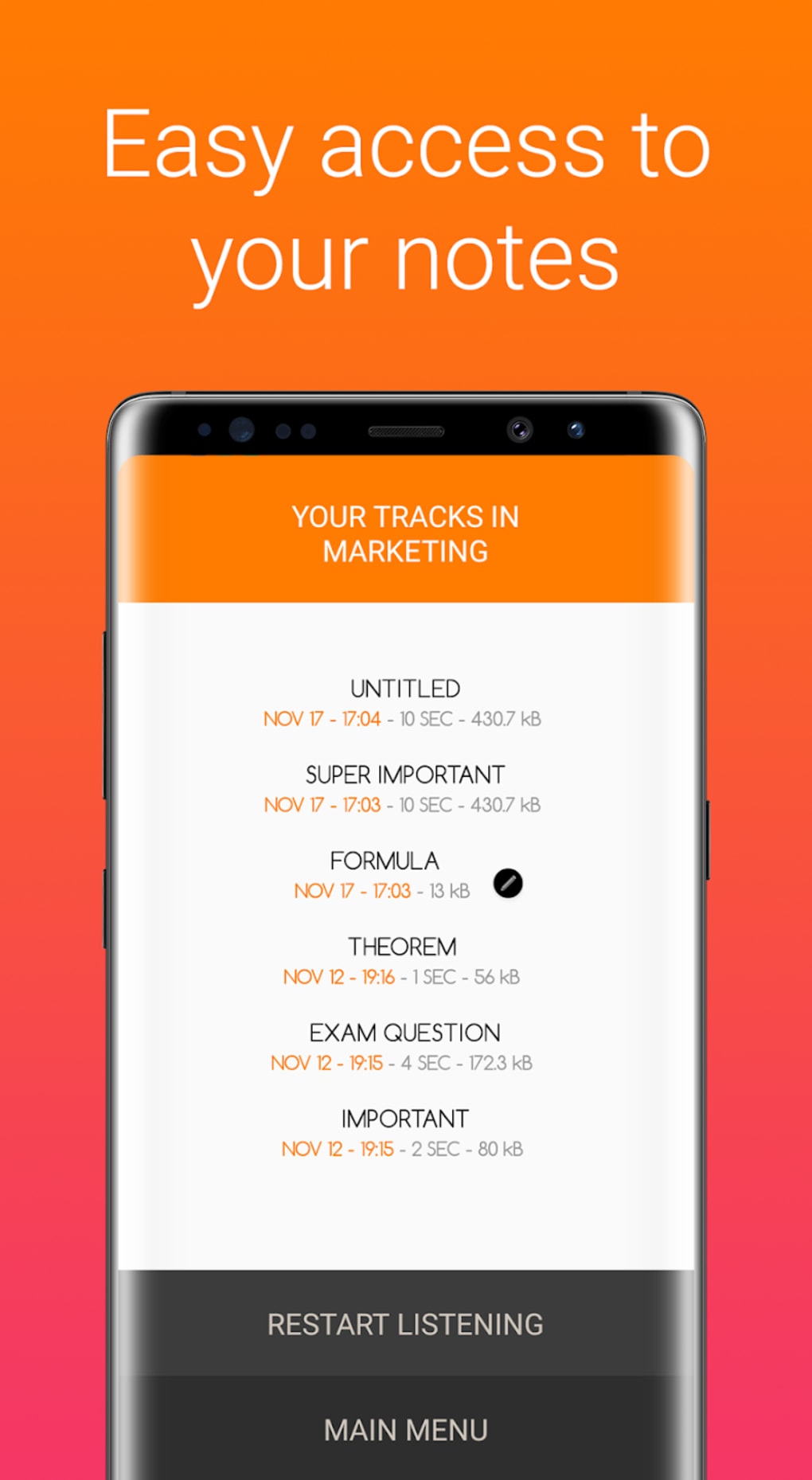
- Quick File Access – All audio and text files are stored within the device’s operating system and can be retrieved instantly using saved titles.
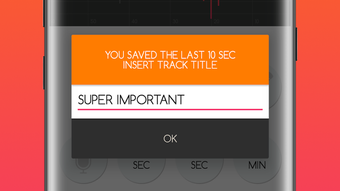
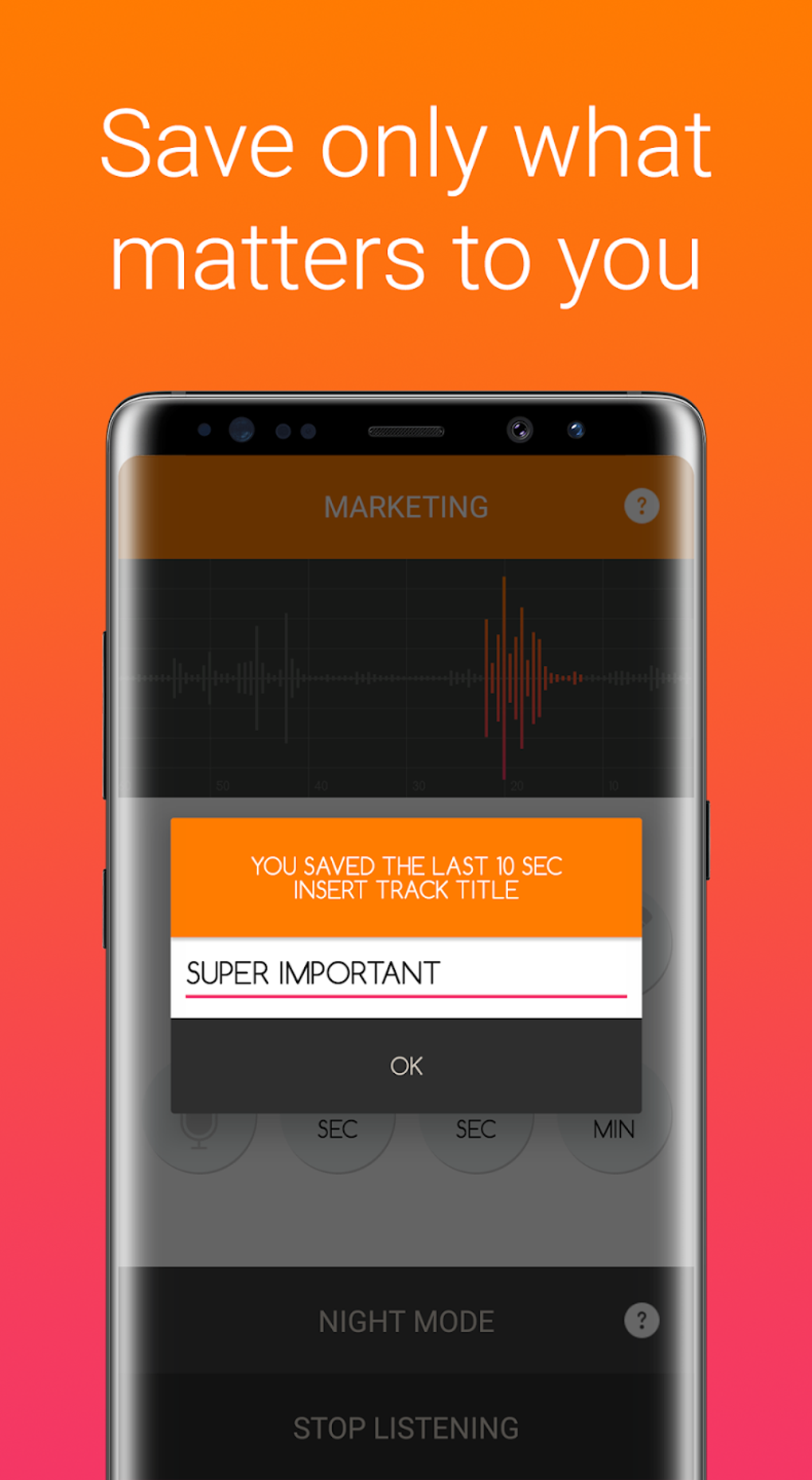
- File Organization by Title – Each note or recording can be assigned a custom title, improving searchability and aiding in the retrieval of specific content.
- Local File Storage – Notes and recordings are saved directly on the device, enabling offline access and reducing dependency on cloud services.
- Permanent Deletion Option – Users have the ability to remove files permanently when they are no longer needed, helping manage storage space.
These features support efficient information capture in dynamic environments. For example, a student can record a professor’s explanation and simultaneously jot down key points using finger input. Later, they can review the audio while reading their notes.
Similarly, a professional attending a business meeting can document decisions and action items without needing to write them down manually. The absence of SD card support means all data remains on the internal storage, which may affect long-term usage on devices with limited capacity. However, the integration with the device’s native file system ensures compatibility with standard file-sharing methods.
User Interface, Workflow & Performance
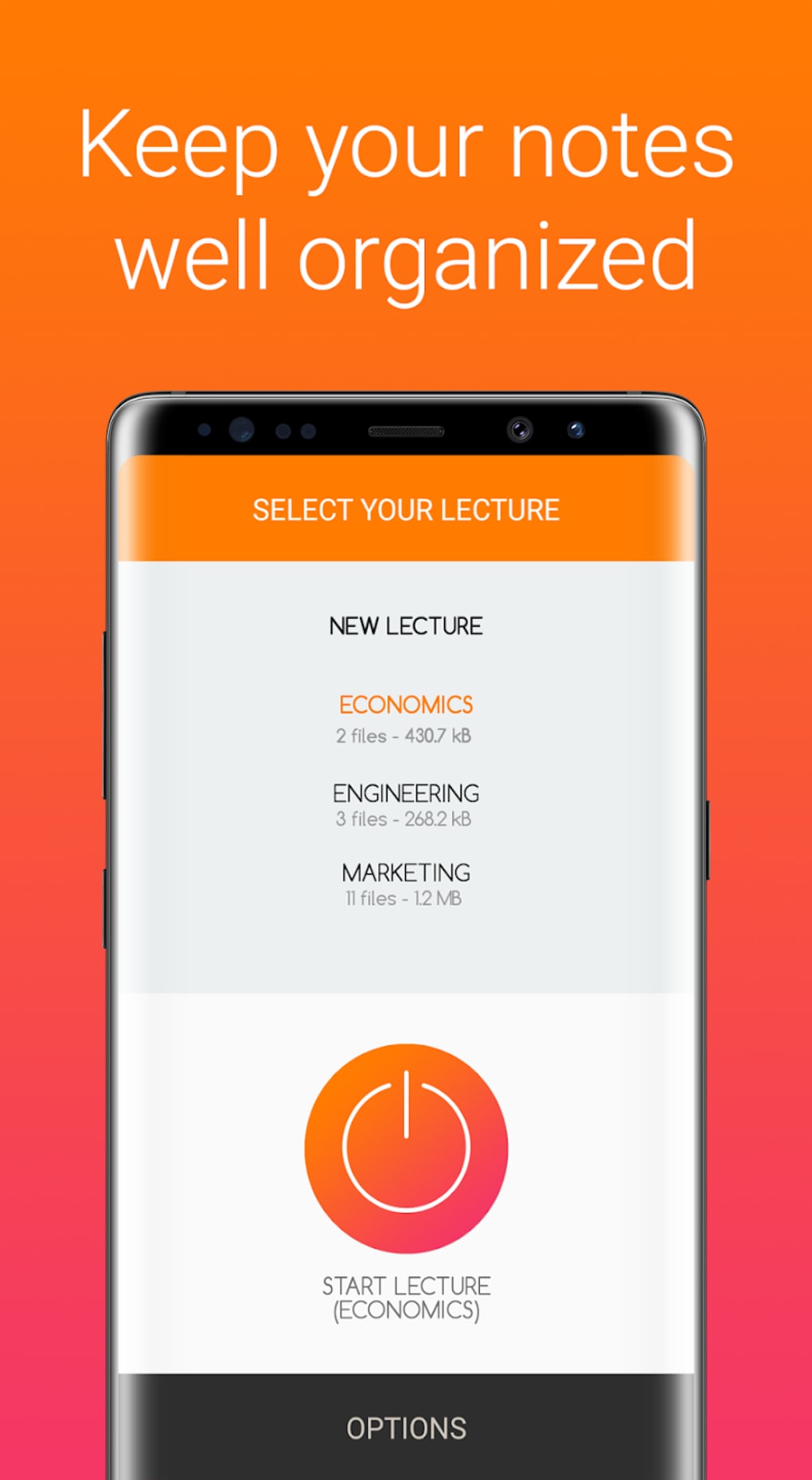
The user interface of Lecture Notes is described as straightforward, prioritizing ease of use and minimal distractions. The layout appears optimized for touchscreen interaction, with intuitive controls for starting and stopping recordings, entering text, and accessing saved files. Navigation is likely streamlined to allow quick switching between audio recording and note-taking modes.
The workflow is designed around rapid input and immediate saving, enabling users to capture information as it happens without delays. Performance details were not specified by the developer, so exact behavior regarding CPU or RAM usage remains unknown. However, based on general mobile application patterns, the software likely operates efficiently within standard smartphone resource limits.
Stability is expected to be consistent for typical usage, though prolonged recording sessions may impact battery life. The developer did not provide information on background operation or multitasking capabilities. Users should expect the application to function reliably during active use, with no reported crashes or freezes in available documentation.
The absence of cloud sync features suggests the app is intended for offline use, which may benefit users concerned about data privacy.
Compatibility & System Requirements
Lecture Notes is designed for use on smartphones and is not compatible with desktop computers. The software is available as an APK file, indicating it is intended for Android-based devices. The specific operating system version requirements were not listed by the developer.
Installation size is not specified, so users should consider available internal storage space when downloading. The application relies on the device’s built-in microphone and touchscreen, meaning no additional hardware is required. Exact system requirements, such as minimum RAM or processor specifications, were not provided.
Compatibility information was partially provided, and users are advised to ensure their device supports APK installations and has sufficient storage. The lack of SD card recording capability means all data is stored internally, which may be a limitation for users with low-capacity devices. The software does not support cross-platform synchronization, meaning files cannot be accessed on other device types.
Pros and Cons
Pros
- Simple, intuitive interface ideal for quick note-taking
- Supports real-time audio recording for accurate content capture
- Touchscreen text input enables typing without a keyboard
- Files are saved locally with custom titles for easy retrieval
- Quick access to notes and recordings without delays
- Designed for mobile use, suitable for students and professionals on the move
Cons
- No support for SD card storage, limiting file management options
- Not compatible with desktop computers or other platforms
- Exact system requirements and performance metrics not provided
- Limited to Android via APK, reducing accessibility for iOS users
- No cloud backup or synchronization features
FAQ Section
Is Lecture Notes available for iOS devices?
Lecture Notes is currently only available as an APK file, which is designed for Android-based smartphones. There is no official version for iOS devices.
Can I save my notes to an SD card?
No, the software does not support recording or saving files to an SD card. All data is stored directly on the device’s internal storage.
Is the app secure for personal or academic use?
Lecture Notes stores files locally on the device, which may offer a degree of privacy. However, the developer did not provide specific information about data encryption or security protocols.
How often does the app receive updates?
The update frequency was not specified by the developer. Users should check the source of the APK for the latest version.
Can I use Lecture Notes offline?
Yes, the software is designed for offline use. All recordings and notes are saved locally and can be accessed without an internet connection.
Final Thoughts
Lecture Notes offers a practical solution for individuals who need to capture spoken and written information quickly and efficiently on mobile devices. Its combination of audio recording and touchscreen text input makes it a versatile tool for university students, professionals, and anyone managing time-sensitive information. While it lacks advanced features such as cloud sync, SD card support, or desktop compatibility, its core functionality is well-executed and focused on usability.
The straightforward interface and local file storage enhance privacy and accessibility. For users seeking a lightweight, no-frills note-taking app for Android, Lecture Notes presents a viable option. The absence of detailed system requirements and performance data limits deeper evaluation, but the app’s design aligns with typical mobile application standards.
If you’re a student or professional who values real-time documentation and quick access to notes, this tool could be a valuable addition to your digital toolkit. Download Lecture Notes now.






.png)
